Update object function
Learn how to update an object's properties in Knock during a workflow run.
An update object function updates an object in a collection stored in Knock as a step in your workflow. Use it when you need to change an object's properties based on workflow context to enable downstream steps or other workflows to use the updated data.
Common use cases include syncing object state from your trigger (for example, status or last activity), or storing data on the object that you reference later when the object is used as a recipient in another workflow.
Selecting the collection and object
#The update object step does not support a "current object" mode. You must specify which object to update.
- Collection. Choose from all object collections in your environment (for example, "Projects" or "Repositories").
- Object ID. Select a property that resolves to the object ID within that collection, or use a literal object ID. This can come from your trigger data (for example,
data.project_id), from the recipient when the recipient is an object (recipient.id), or from another source in the workflow run.
The update object step supports upserting. If you specify an object ID that does not yet exist in that collection in Knock, the object will be created with the properties you set.
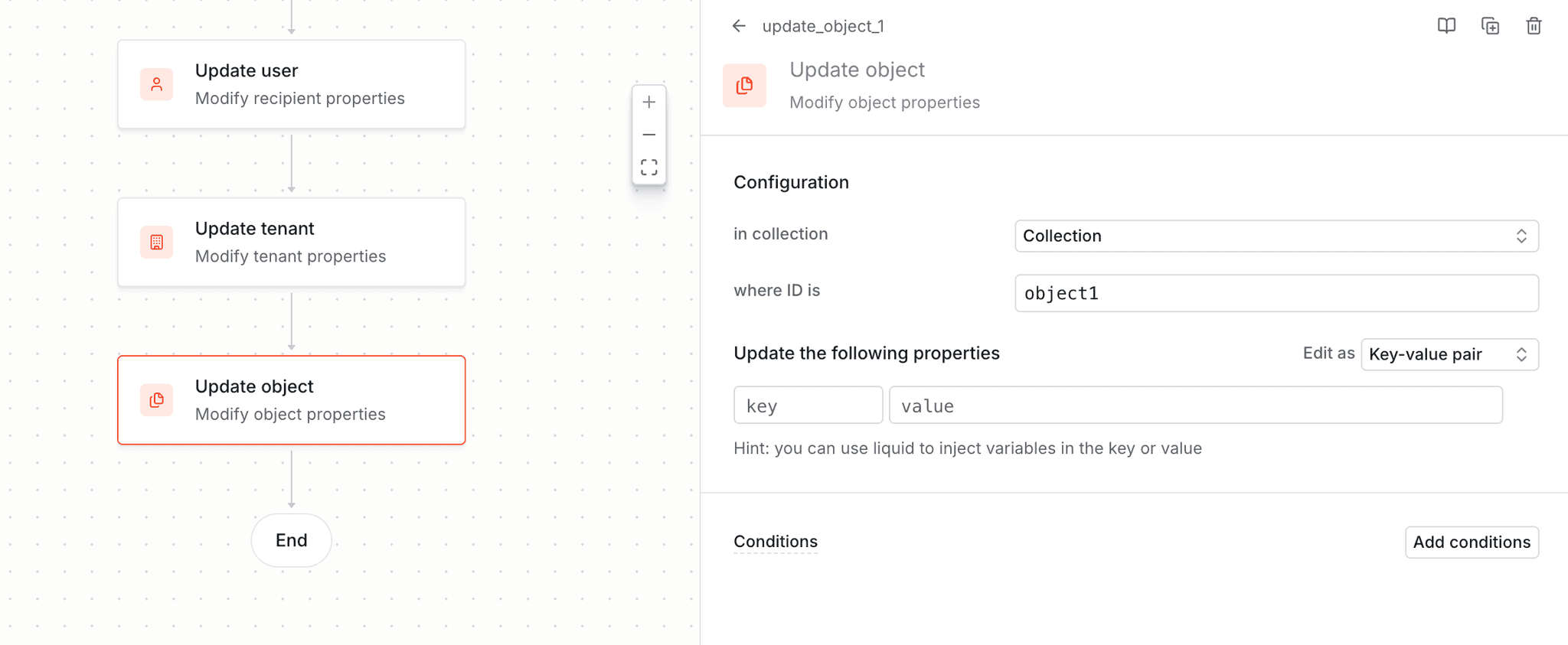
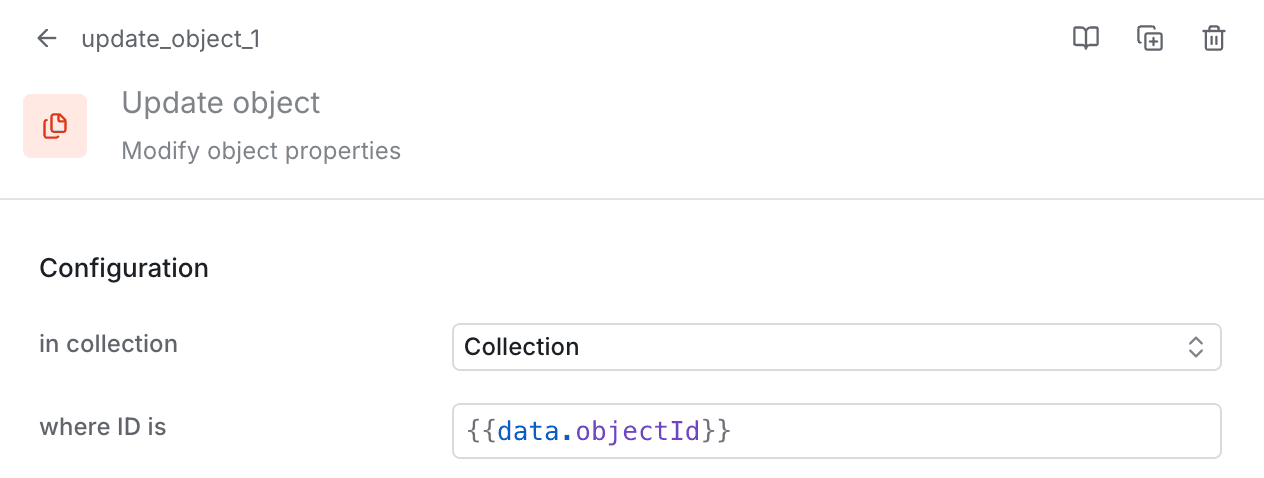
Configuring collection and object ID for the update object step.
Updating preferences
#You can update an object's preferences from within a workflow. Set them using the preferences key. The value should follow the structure of a PreferenceSet.
Preferences are deep-merged into the object's existing preference set. This means you can set individual preference keys across multiple update object steps without overwriting previously set values. For example, two sequential update object steps can each target a different part of the preference set and the results will be combined:
Configuring properties
#You can set any number of properties on the object. Each property has a key and a value.
- Key. The property name. You can use an existing object property or define a new property.
- Value. The value to set. You can use Liquid (for example,
{{ data.status }}or{{ recipient.name }}) to resolve a dynamic value from workflow data, the recipient, the actor, or variables. You can also use a static value (for example,"active"ortrue).
Properties can be configured as a JSON blob or as key-value pairs.
Merging properties
#When an update object step executes, Knock deep-merges the configured properties into the existing object. This means:
- Top-level keys are merged into the existing object, adding new keys and replacing existing ones.
- Nested objects are recursively merged rather than replaced. If the existing object has a nested object and the update step sets a key inside it, only that key is updated — the rest of the nested object is preserved.
This is the same deep-merge behavior used by the objects API.
Limitations
#Update object steps do not support updating channel data. You cannot set or change channel data on an object via this step.
In addition, channel_data is not rendered in the workflow event success or error logging for these recipients, even when channel data is present on the object.
Debugging
#You can use the workflow run logs to debug update object steps. The logs render the full before/after diff view of the object so that you can verify the pre-state, the properties that were set, and the post-state.
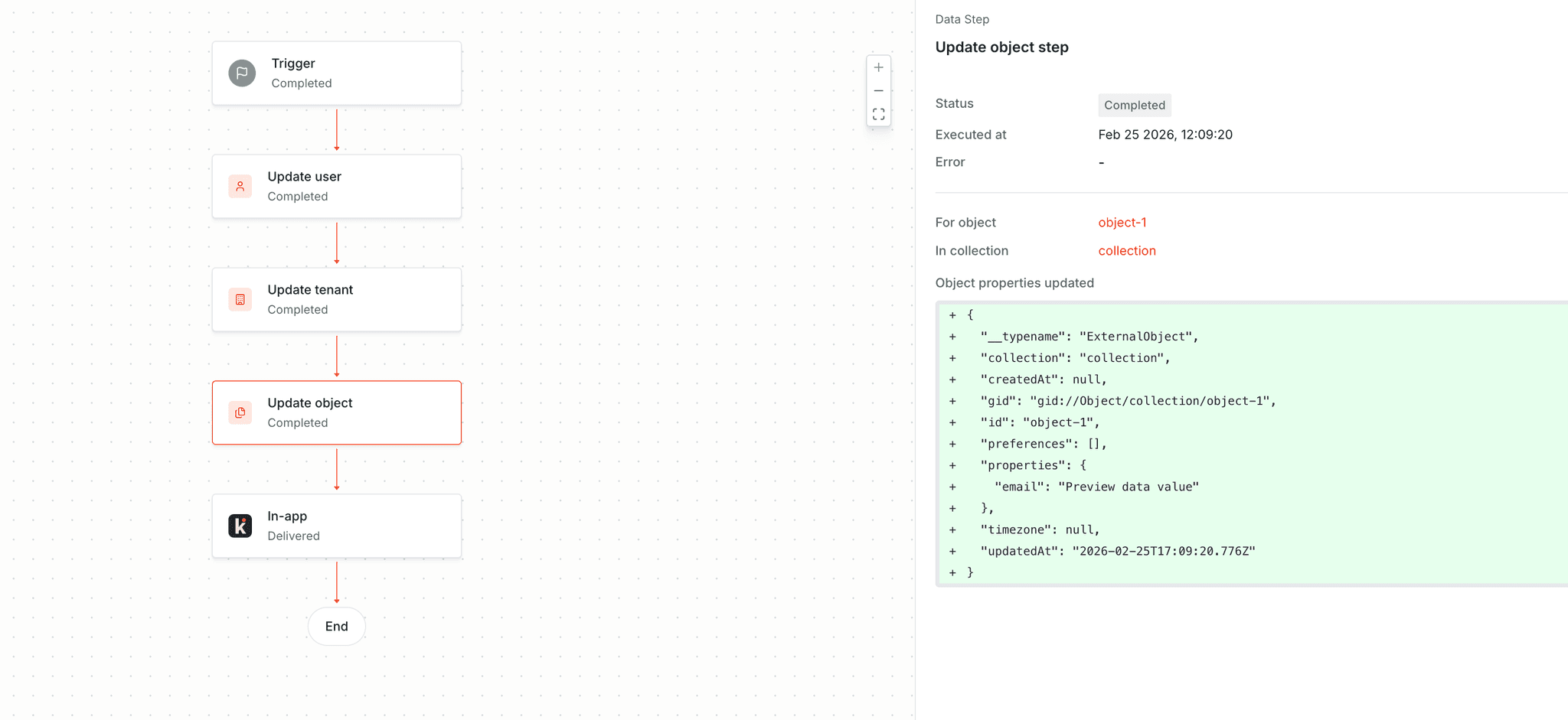
Before/after diff for an update object step in the workflow run logs. This workflow run upserted a new object, so the diff shows only the new version.
Update object steps are also available in the management API.